
PERUN app
Put PERUN on your phone like an app – its own icon on the home screen, opens full screen, no App Store or Google Play needed. It is always the newest version, because it comes straight from our server.
✔ PERUN is installed on this device.
iPhone / iPad
- Open perun.freighthousecorp.com in Safari (on newer iPhones Chrome works too).
- Tap Share at the bottom of the screen (at the top on iPad).
- Scroll down and tap Add to Home Screen .
- Tap Add. The gold lightning icon PERUN is now on your home screen.
Android
- Open perun.freighthousecorp.com/app.php in Chrome.
- Tap Install PERUN at the top of this page – or open the menu ⋮ and tap Install app (on some phones: Add to Home screen).
- Tap Install. PERUN appears on the home screen and in the app list.
On a computer?
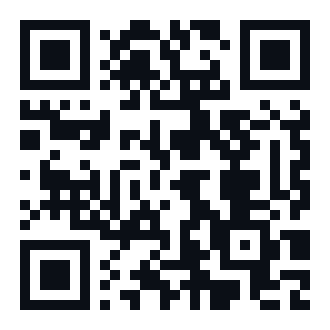
Point your phone's camera at the code – it opens this page on the phone. Chrome and Edge on a computer can install PERUN too (the install icon in the address bar, or the button above).
Good to know
- You log in once – the app remembers you like the browser does.
- All PERUN apps (Accounting, Safety, CRM …) open from the menu inside the app.
- Data is never stored on the phone – every page comes fresh from the server, so a lost phone does not leak anything once you sign out.
- To remove it: press and hold the PERUN icon → Remove / Uninstall.